
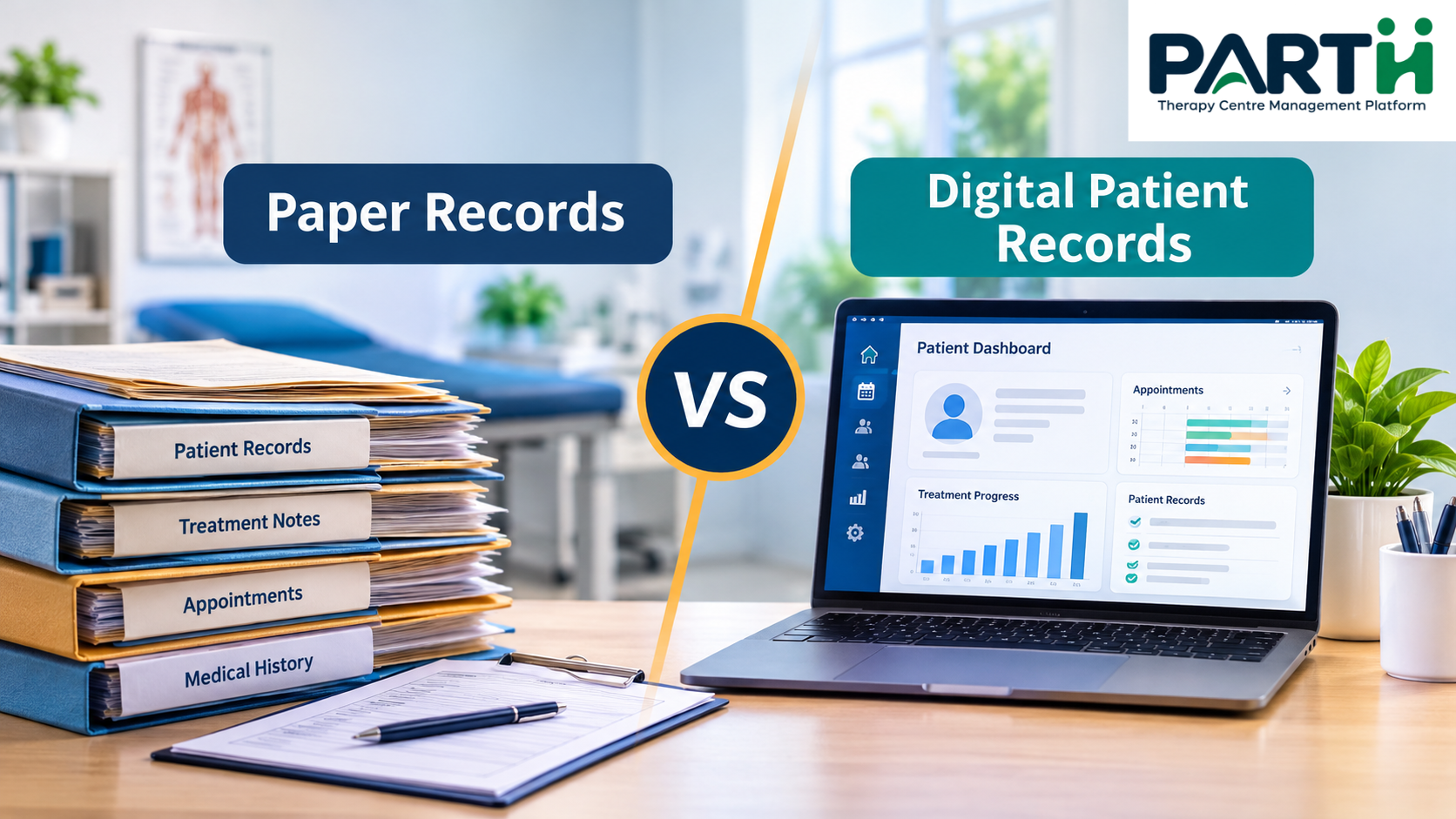
Paper Records vs Digital Patient Records: What Works Better for Modern Clinics?
Managing patient records is one of the most important responsibilities in any healthcare practice. From maintaining medical histories and treatment notes to tracking appointments and monitoring recovery, accurate documentation helps clinics deliver organised and consistent care.
For years, paper files have been the traditional way of maintaining patient information. However, as clinics grow and patient requirements become more complex, managing everything manually can become challenging.
This raises an important question: Are paper records still the right choice, or should modern clinics move towards digital patient records?
Let's compare both approaches and understand what works better for today's healthcare professionals.
1. Understanding Paper-Based Patient Records
Paper-based patient records involve maintaining patient information in physical files, registers, notebooks, and printed documents.
Clinics commonly use them to record:
- Patient registration and personal details
- Medical history and previous treatments
- Therapist observations and session notes
- Prescriptions and treatment plans
- Appointment details and follow-up information
- Billing and payment records
Advantages of Paper Records
Paper documentation still offers certain benefits, particularly for smaller practices.
- Simple to use: No specialised software or technical knowledge is required.
- Low initial investment: Clinics can start with basic stationery and filing systems.
- No internet dependency: Physical records remain accessible without an internet connection.
- Familiar process: Staff members who are comfortable with manual documentation may find it easier to continue using paper.
Limitations of Paper Records
Although paper files are familiar, they can create operational difficulties as patient numbers increase.
1. Time-consuming record retrieval
Finding a patient's previous treatment notes may require searching through multiple files and registers.
2. Risk of misplaced documents
Physical files can be lost, damaged, or incorrectly stored, making important information difficult to retrieve.
3. Limited accessibility
When patient information is stored in physical files, multiple staff members cannot easily access the same updated record from different locations.
4. Difficult progress tracking
Comparing treatment history, session notes, and patient progress over several visits can become complicated when information is scattered across documents.
5. Manual administrative work
Staff may need to repeatedly write patient details, update registers, maintain appointment records, and prepare reports.
For a growing clinic, these small administrative tasks can gradually consume a considerable amount of staff time.
2. Understanding Digital Patient Records
Digital patient records involve storing and managing patient information electronically through specialised healthcare software.
Instead of maintaining separate physical files, clinics can organise patient information within a centralised digital system.
Depending on the software, digital records may include:
- Patient profiles and medical history
- Appointment and scheduling details
- Therapy session notes
- Treatment progress and observations
- Patient images and supporting documents
- Billing and payment information
- Follow-up and appointment reminders
Electronic Medical Records (EMRs) generally refer to digital patient charts maintained within a particular clinic or healthcare practice.
Electronic Health Records (EHRs) can provide a broader view of a patient's health information across different healthcare providers and settings.
Advantages of Digital Patient Records
1. Faster access to patient information
Healthcare professionals can retrieve patient details without searching through physical files. This makes it easier to review previous visits and treatment notes.
2. Better organisation
Patient information can be maintained in structured digital profiles, reducing the need to manage multiple registers and documents.
3. Improved treatment continuity
Therapists and doctors can review previous observations and treatment history before the next appointment.
4. Easier progress monitoring
Digital systems can help clinics maintain session-wise notes, observations, and progress records in one organised place.
5. Reduced repetitive administrative work
Depending on the system, appointment scheduling, reminders, billing, and reporting can be managed through integrated tools.
6. Better coordination among staff
Authorised team members can access relevant patient information according to their assigned roles and permissions.
Limitations of Digital Patient Records
Digital systems also come with responsibilities that clinics should consider.
- Initial implementation: Staff need time to learn the software and adjust to new workflows.
- Technology dependency: Devices, electricity, and internet connectivity may affect access, depending on the system.
- Data security: Patient information requires appropriate access controls, secure storage, and backup arrangements.
- Software costs: Clinics may need to pay subscription, implementation, or maintenance fees.
- Staff adaptation: Employees who are unfamiliar with digital tools may initially need additional training.
Digitalisation is not automatically better. The system must be reliable, easy to use, and appropriate for the clinic's requirements.
3. Paper Records vs Digital Patient Records: A Side-by-Side Comparison
Understanding the practical differences can help clinic owners make an informed decision.
| Comparison | Paper Records | Digital Records |
|---|---|---|
| Data storage | Physical files | Electronic storage |
| Record retrieval | Manual searching | Digital search |
| Accessibility | Limited to physical availability | Available to authorised users through supported devices |
| Progress tracking | Manual comparison | Organised digital history |
| Appointment management | Registers and diaries | Digital scheduling tools |
| Record maintenance | Manual updates | Electronic updates |
| Staff coordination | Physical file sharing | Role-based digital access |
| Backup | Physical copies | Configurable digital backups |
| Initial cost | Generally lower | Depends on software and setup |
| Scalability | Requires additional physical storage | Depends on software capacity |
The biggest difference is not simply where patient information is stored. It is how efficiently that information can be maintained, retrieved, updated, and used.
4. How Digital Records Improve Daily Clinic Operations
Consider a physiotherapy clinic where a patient visits regularly for treatment.
With a paper-based process, the receptionist retrieves the patient's file, the therapist checks previous session notes, and the latest observations are manually added to the document.
This process may work perfectly well with a small number of patients.
However, when the clinic manages multiple therapists, several appointments, and a growing patient base, keeping every record updated becomes more challenging.
With a digital patient management system, the process can be more organised.
For example:
Step 1: Patient Registration
The receptionist creates a digital patient profile containing relevant personal and medical information.
Step 2: Appointment Scheduling
The patient's appointment is recorded in the system, making scheduling and coordination easier.
Step 3: Treatment Documentation
The therapist records session notes, observations, and treatment-related updates.
Step 4: Progress Monitoring
During subsequent visits, the therapist can review previous session information and compare progress.
Step 5: Follow-ups
The clinic can manage upcoming appointments and reminders through available software features.
This creates a more structured workflow where patient information is easier to maintain and retrieve.
5. When Should a Clinic Switch from Paper to Digital Records?
Not every clinic needs to digitalise everything immediately. However, certain signs indicate that the existing manual process may no longer be sufficient.
Consider moving towards digital patient records if:
- Your clinic manages a growing number of patients.
- Staff members spend too much time searching for patient files.
- Treatment notes are maintained across multiple registers.
- Therapists find it difficult to review previous session details.
- Appointment coordination has become complicated.
- You struggle to maintain consistent patient progress records.
- Managing multiple therapists or branches requires better coordination.
If several of these situations sound familiar, it may be time to evaluate a digital clinic management solution.
6. What Should You Look for in Digital Patient Record Software?
Choosing the right software is just as important as deciding to go digital.
Before selecting a system, clinic owners should evaluate the following features:
Patient Management
The software should allow staff to maintain organised patient profiles, registration details, and relevant medical information.
Appointment Scheduling
Look for an easy scheduling system that helps receptionists and therapists manage appointments.
Therapy Session Management
For physiotherapy and therapy centres, maintaining session-wise documentation is particularly important.
Patient Progress Tracking
The system should support organised treatment history, observations, and progress updates.
Staff and Therapist Management
Clinics with multiple professionals should be able to coordinate schedules, assignments, and staff activities.
Billing and Reports
Financial records, receipts, and operational reports should be manageable without maintaining multiple disconnected registers.
Data Security and Access Control
Check whether the software provides appropriate user permissions, secure data handling, backup arrangements, and clear privacy practices.
A digital system should simplify clinic operations without compromising patient confidentiality.
7. How Parthcare Supports Digital Clinic Management
Moving from paper records to digital management does not mean simply replacing notebooks with a computer.
It means creating a more organised way to manage everyday clinic activities.
Parthcare, developed by Founders Key, is a therapy and clinic management platform designed to help physiotherapy clinics and therapy centres manage their operations.
Its features include:
- Patient Management: Maintain organised patient profiles and information.
- Appointment Scheduling: Manage patient appointments and schedules.
- Therapist Management: Coordinate therapist allocation and activities.
- Therapy Session Management: Maintain treatment session information and notes.
- Patient Progress Tracking: Keep track of patient progress and treatment updates.
- Follow-ups and Appointment Reminders: Manage upcoming appointments and follow-ups.
- Billing and Payments: Organise patient billing and payment records.
- Staff and Attendance Management: Manage staff information and attendance.
- Reports and Analytics: Review relevant clinic operational information.
By bringing these activities into one platform, Parthcare helps clinics move towards a more structured approach to daily management.
Explore the platform: https://parthcare.com/
8. So, Which Is Better for Modern Clinics?
Paper records and digital patient records both have their place.
For a small practice with limited patients and simple administrative requirements, paper documentation may still be manageable.
However, for clinics handling multiple patients, therapists, recurring appointments, and ongoing treatment records, digital patient management offers greater flexibility and organisation.
The decision should depend on the clinic's size, workflow, budget, staff readiness, and long-term requirements.
The objective is not to adopt technology simply because it is modern. It is to make patient information easier to manage while allowing healthcare professionals to focus more on patient care.
The future of organised clinic management is not about collecting more records. It is about making the right information available when it matters.
Frequently Asked Questions (FAQs)
1. What is the difference between paper and digital patient records?
Paper patient records store information in physical files and registers, whereas digital patient records store information electronically through healthcare software. Digital systems can make information easier to organise, retrieve, and update.
2. Are digital patient records better than paper records?
For clinics managing multiple patients, therapists, and appointments, digital records generally offer advantages in accessibility, organisation, and progress tracking. However, the right choice depends on the clinic's requirements and available resources.
3. Are digital patient records safe?
Digital patient records can be managed securely when appropriate security measures are in place. Clinics should evaluate user permissions, encryption, backup policies, access controls, and data protection practices before selecting software.
4. Can small physiotherapy clinics use digital patient records?
Yes. Digital patient management systems can help small physiotherapy clinics organise patient information, treatment notes, appointments, and progress records from the beginning.
5. What features should clinic management software include?
Important features include patient management, appointment scheduling, therapy session documentation, progress tracking, therapist management, billing, reminders, and reports.
6. Can clinics completely stop using paper records?
Clinics can move most of their routine documentation to digital systems, but the transition should be planned carefully. Existing records, applicable record-retention requirements, and contingency procedures should be considered.
Ready to Organise Your Clinic Better?
Managing patient records should support healthcare professionals, not become another administrative challenge.
Explore how Parthcare can help your clinic organise patient management, appointments, therapy sessions, and everyday operations.
Make clinic management simpler. Keep patient care at the centre.